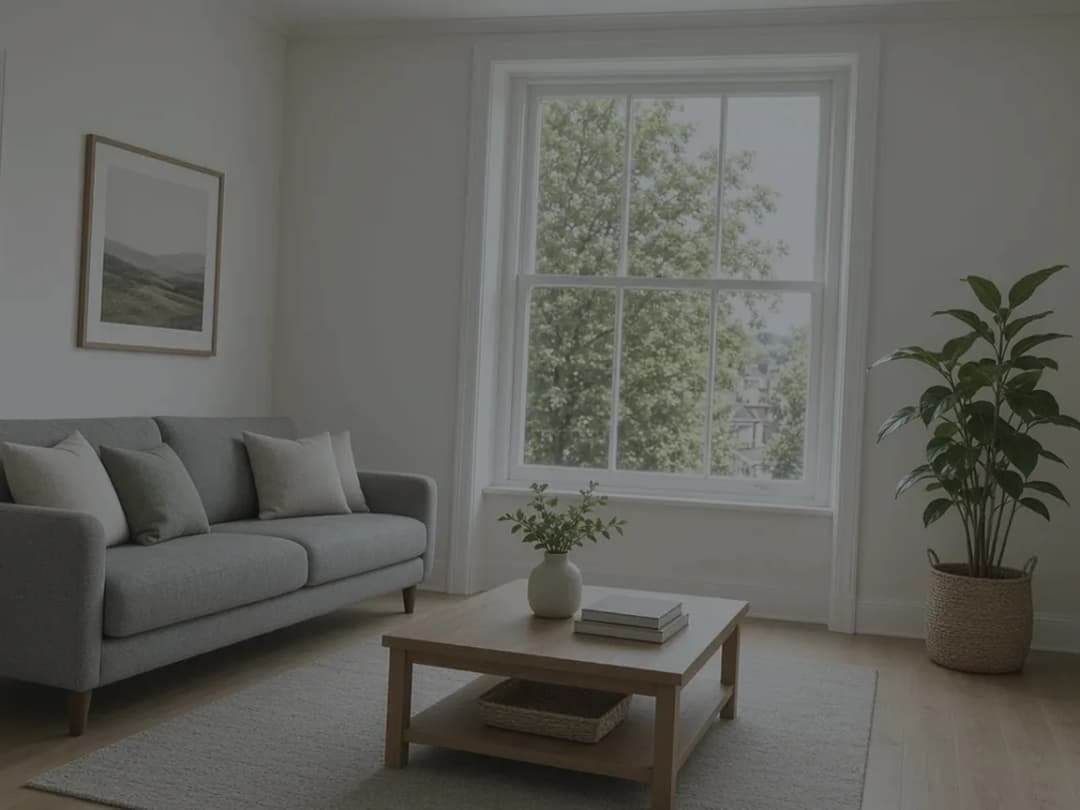
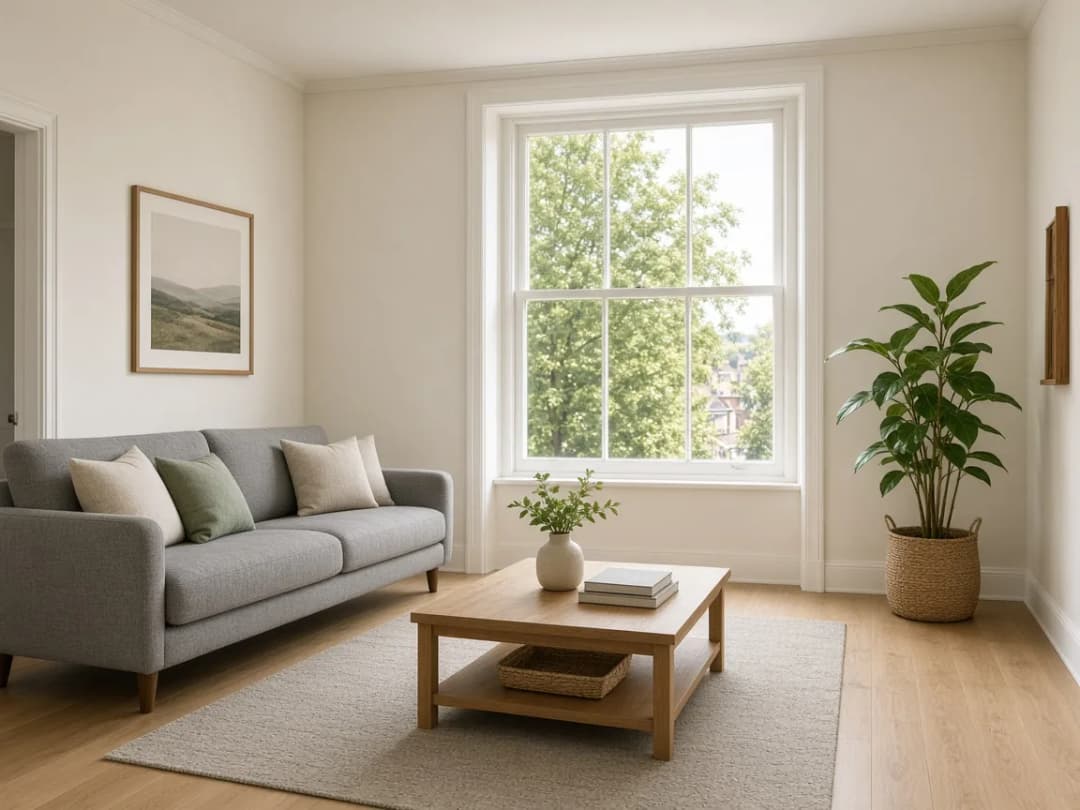
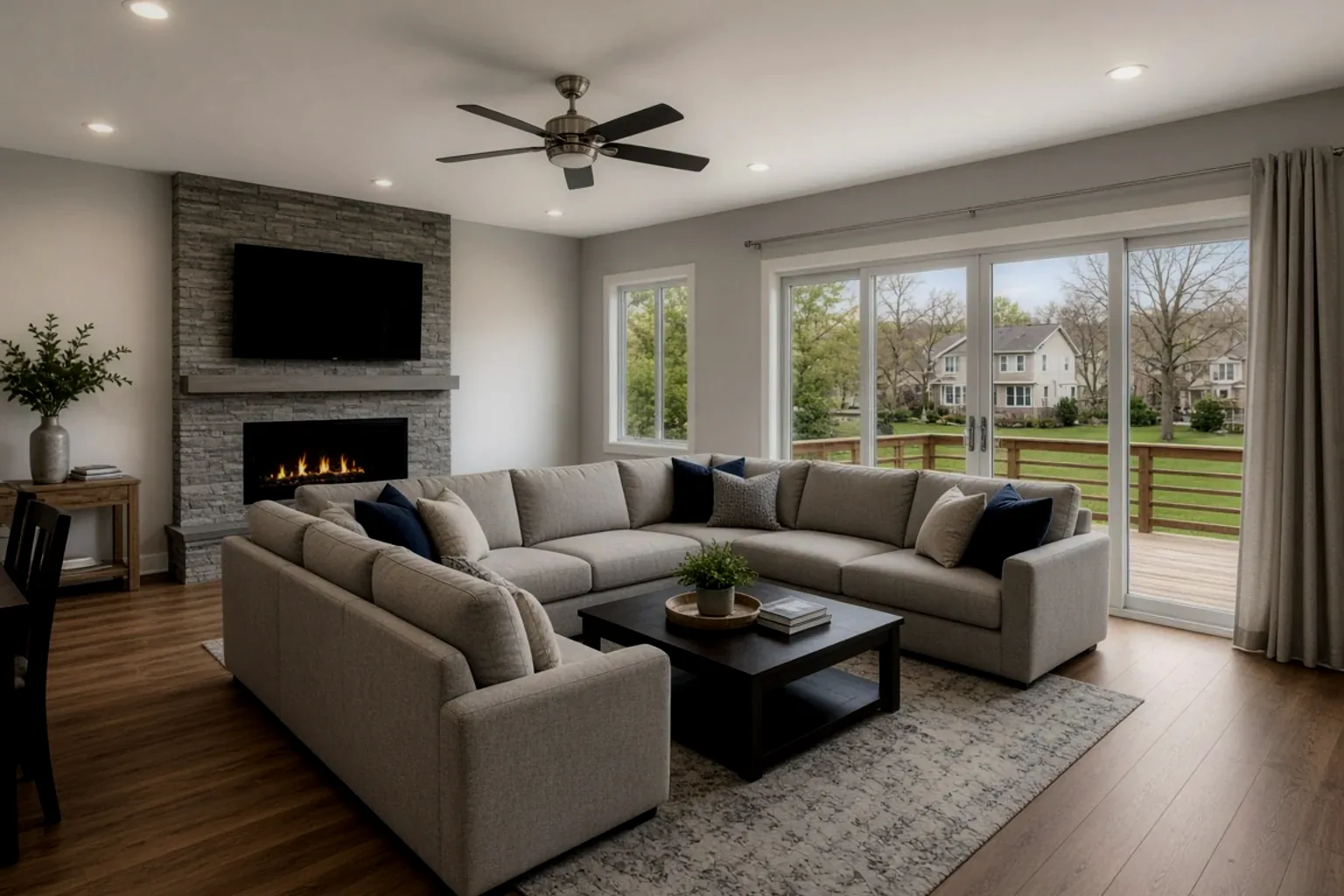
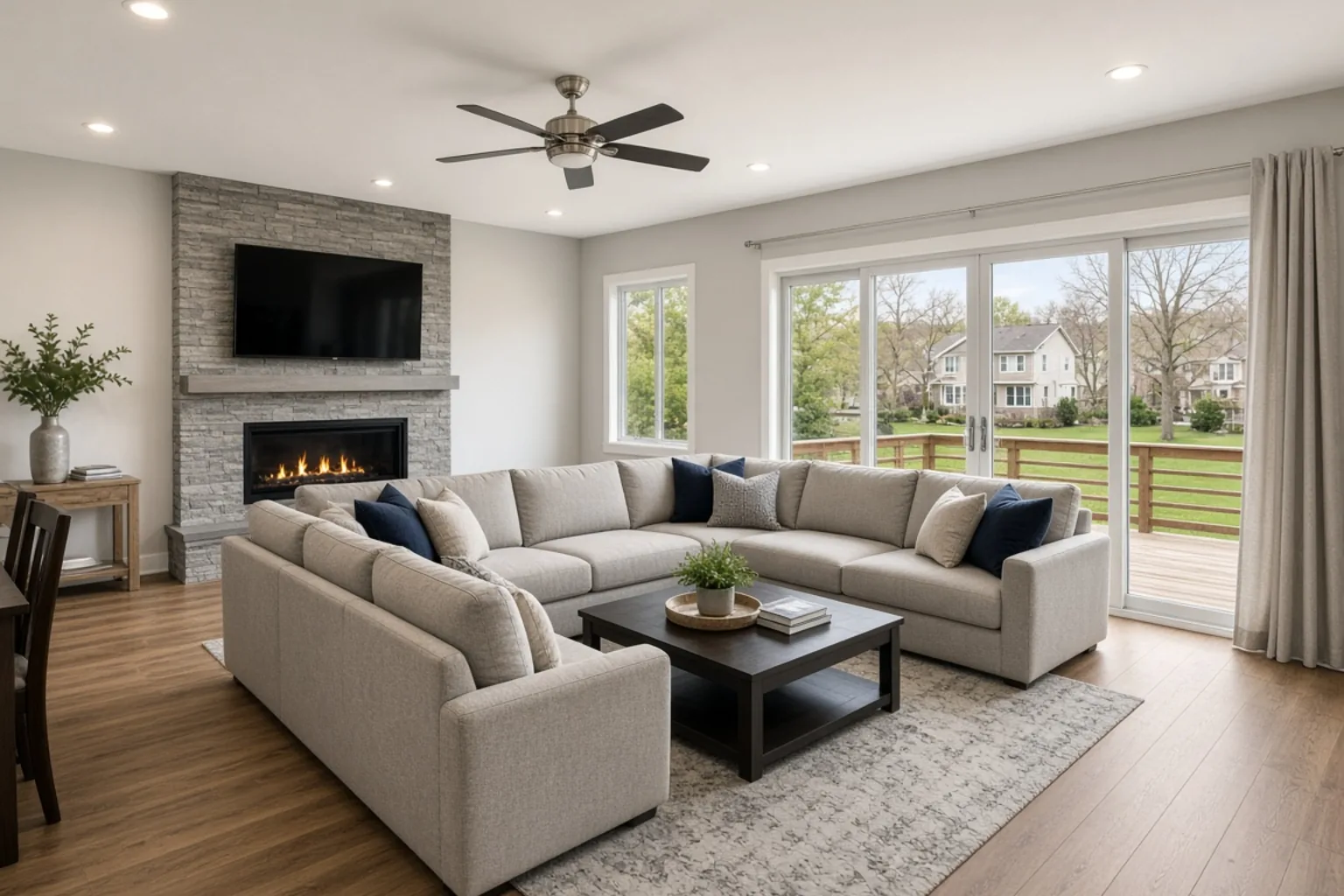
Living room — brightened and levelled
A quick straighten, brightness lift and shadow recovery for a cleaner first impression.

PhotoEdit Studio is free online photo editing software for estate agents, photographers and property teams. Create a free account to crop, straighten and brighten in the browser. Decluttering and sky tools are in the same editor and may use ReHub credits.
Free account · No card · Manual editing is free
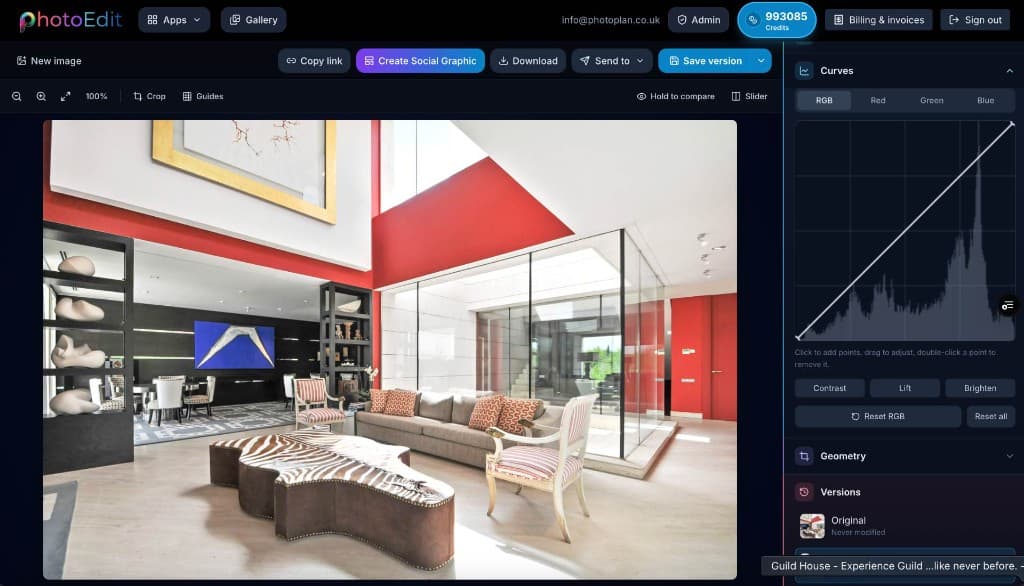
The editor
A clean, fast editor with simple sliders and a live preview. Create a free account — no download, no licence and no learning curve.
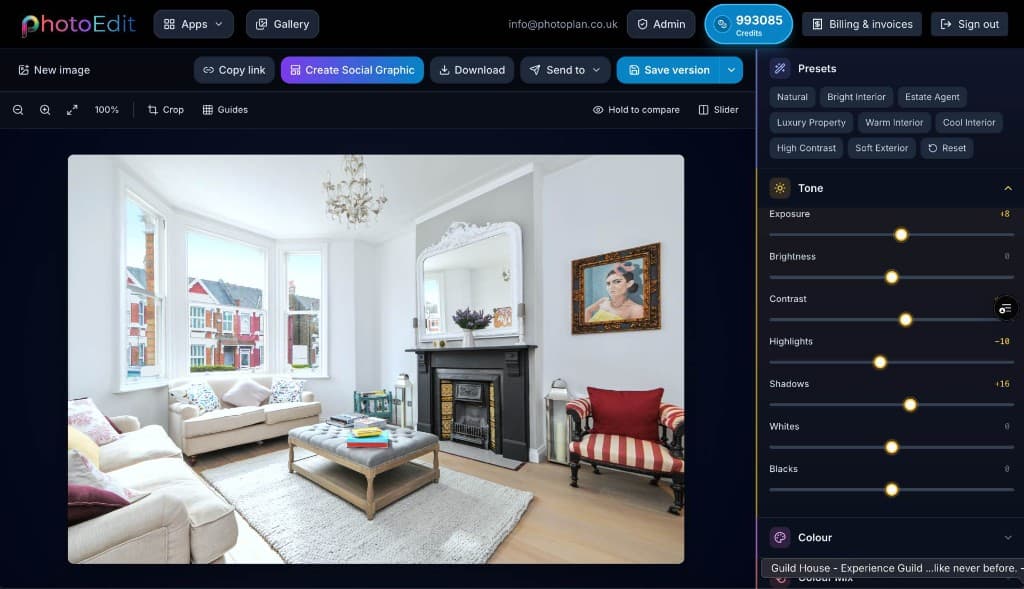
Step-by-step
Create a free account, upload a photo, edit it and download the result. No software to install.
Sign in or register with email or Google. No card is required. The same ReHub login works across PhotoEdit and the other ReHub apps.
Drag and drop, browse or paste an image straight into the editor. JPG, PNG and WEBP are all supported — nothing to install.
Level the horizon, reframe the shot and fine-tune exposure, contrast, brightness and colour with simple sliders designed for non-designers.
Export a cleaner, well-composed photo for your portal, brochure or social post. Optional PhotoClear tools in the same editor may use credits.
Free account · No card · Manual editing is free
See the difference
Everyday edits — straighten, brighten, recover shadows — plus Spotlight for aerials. Then download the result from the editor.
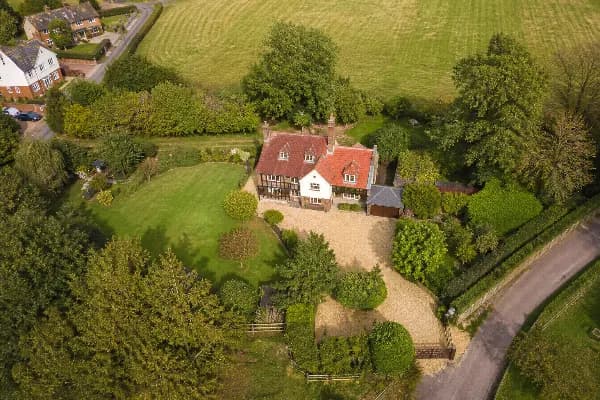
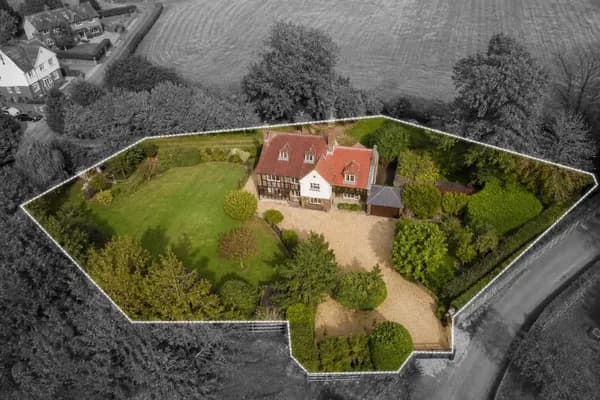
A quick straighten, brightness lift and shadow recovery for a cleaner first impression.
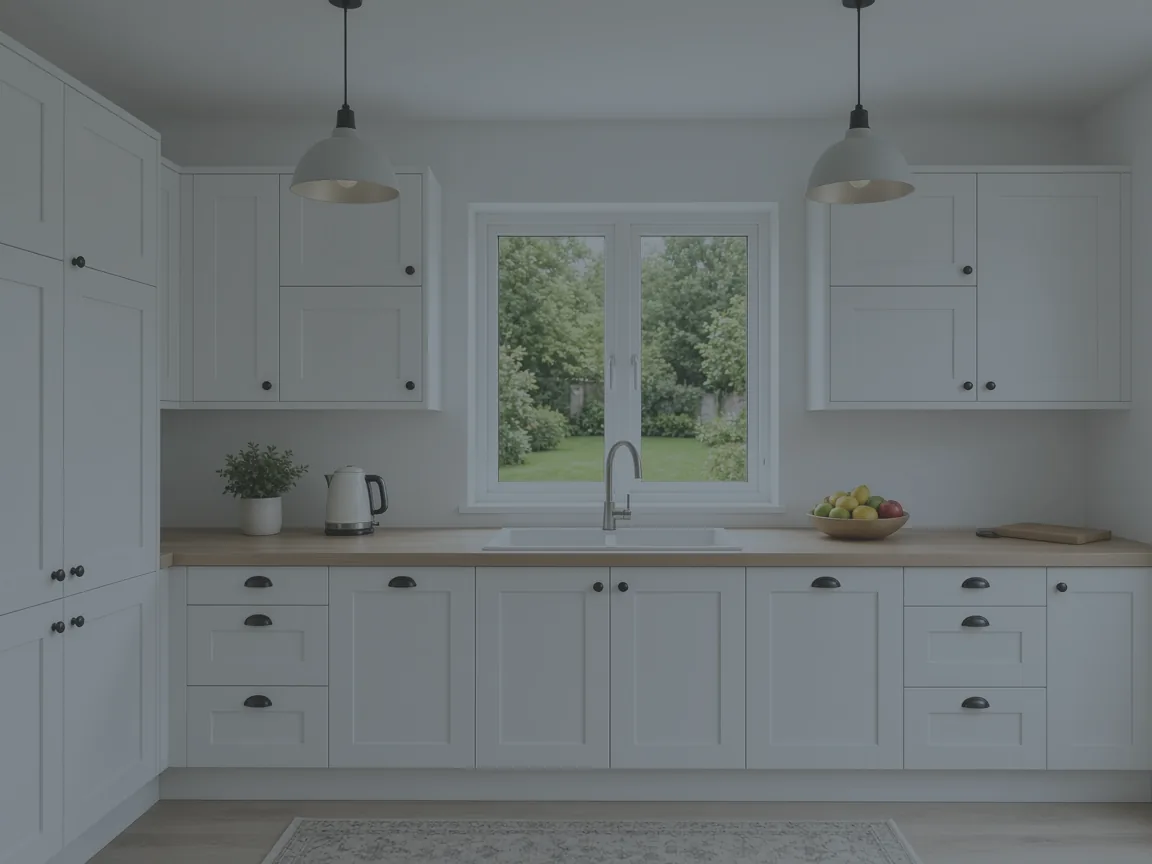
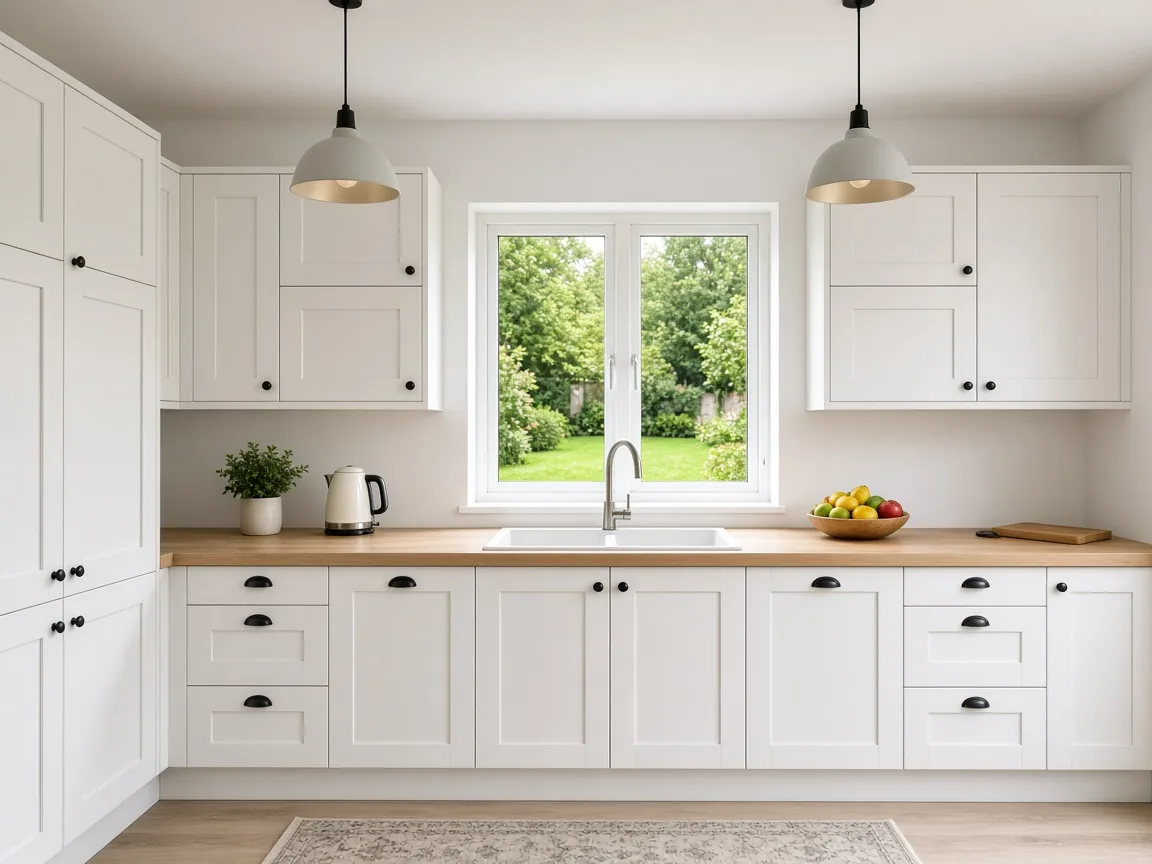
Highlights pulled back and contrast added so worktops and units look crisp.
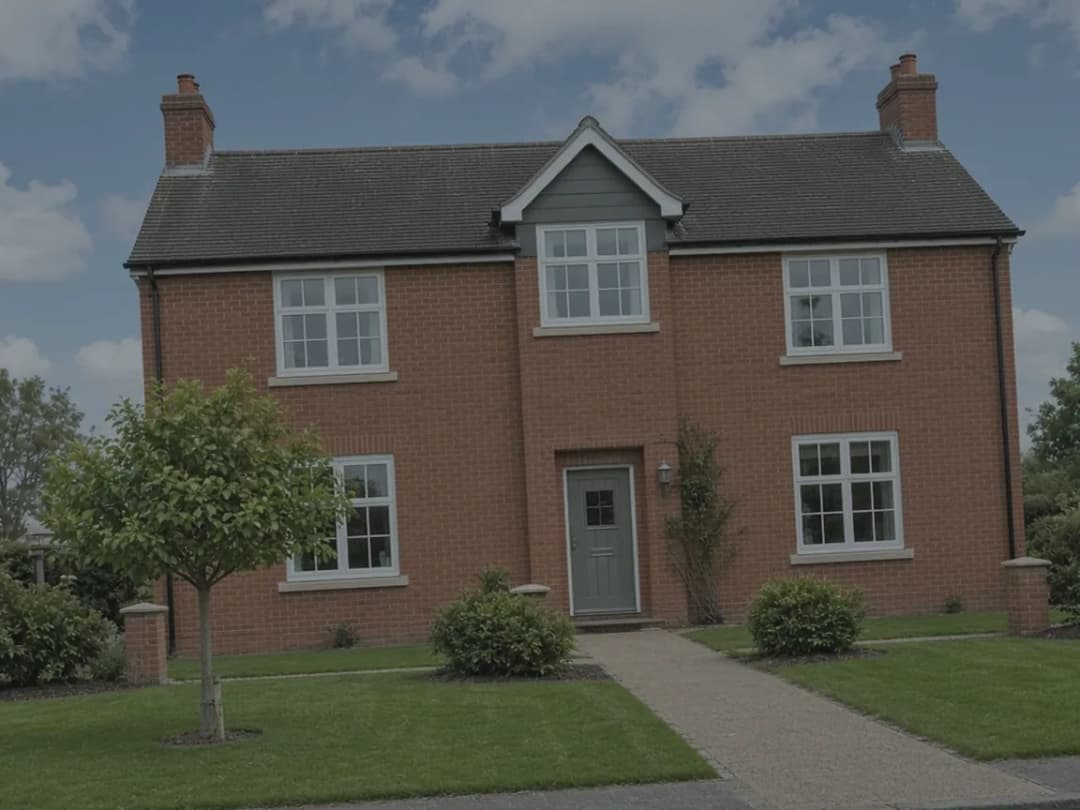
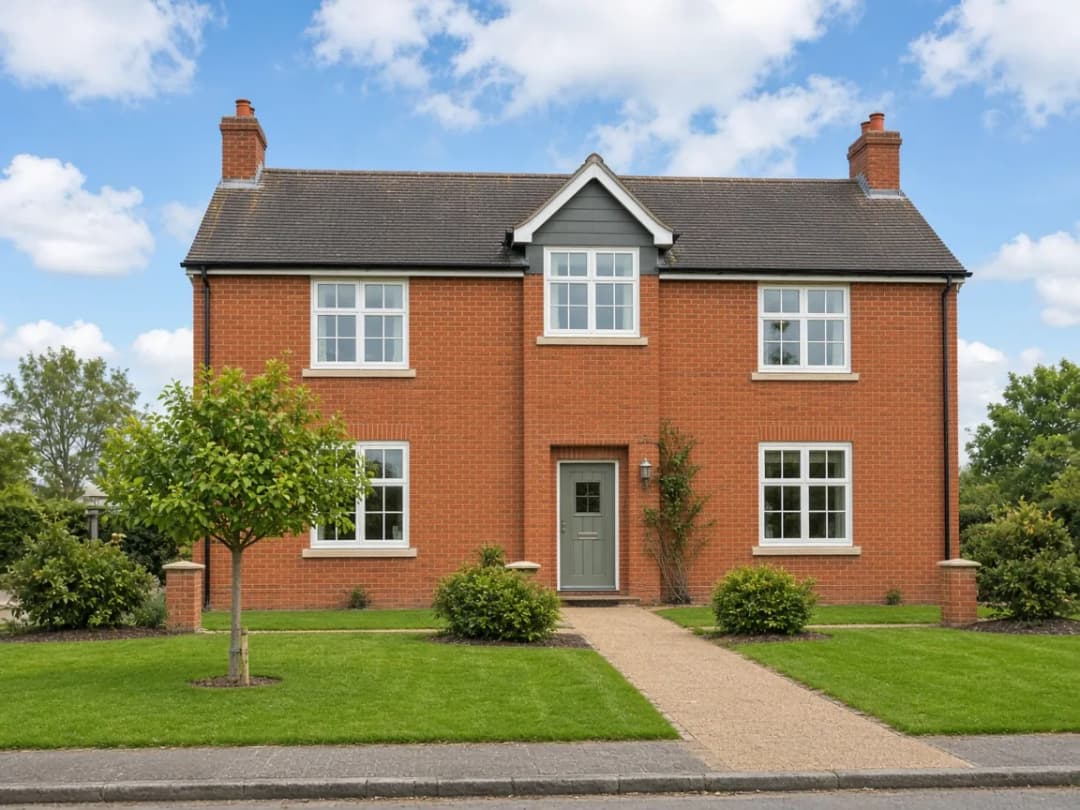
Verticals corrected and the sky recovered for a sharper kerb-appeal shot.
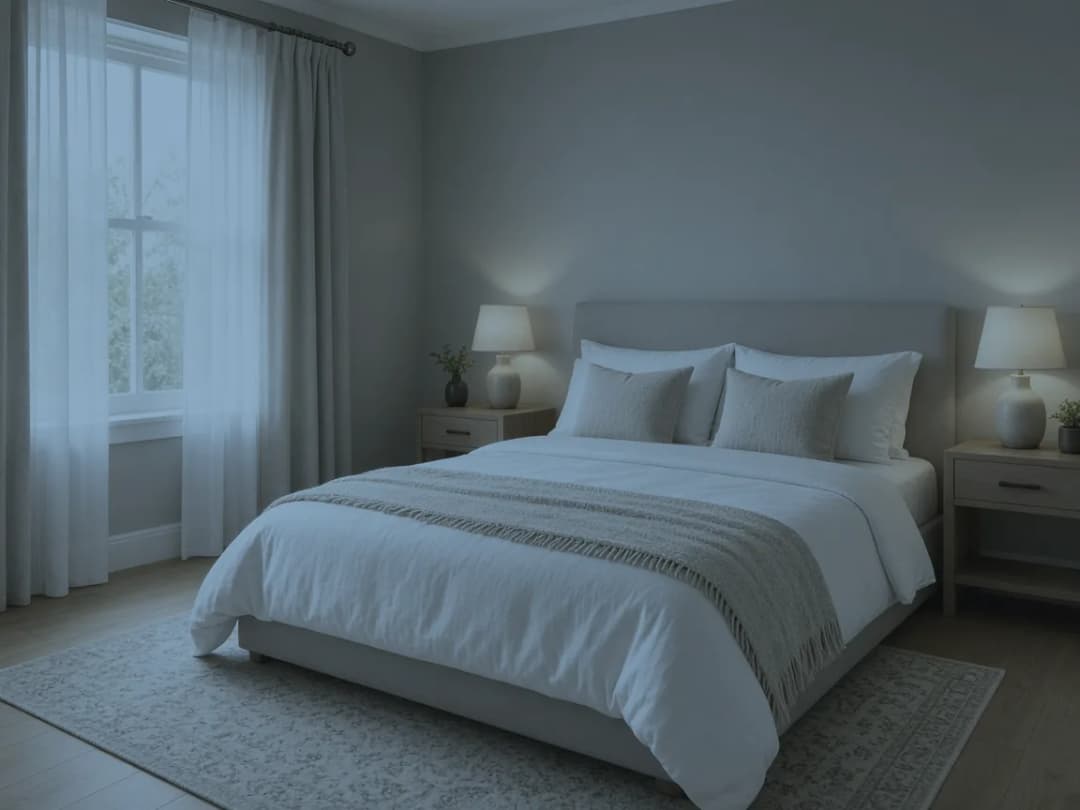
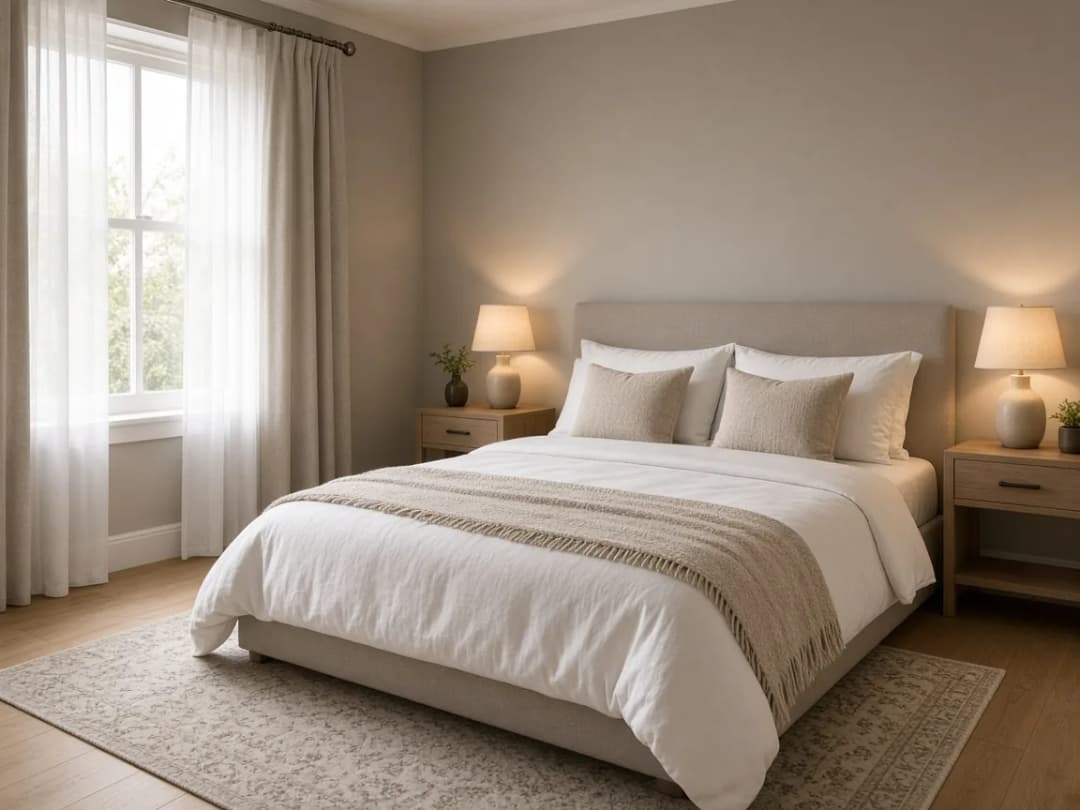
White balance corrected and shadows opened for an inviting feel.
Free account · No card · Manual editing is free
PhotoClear
PhotoClear is a tab inside PhotoEdit. Drag the example to see the same kitchen before and after a tidy. Light declutter uses 1 ReHub credit, medium uses 2 and full uses 3. Crop, tone and colour stay free.
Free account · Open a photo, then the PhotoClear tab
The example clears movable clutter. It does not add furniture. See the other PhotoClear tools.
 Edited
 Original
HDR Photo
HDR Photo is a separate ReHub app for bracketed listing shoots. Frames taken within about two seconds are grouped and merged into one balanced JPEG. Every account includes 10 HDR Credits a month. A finished edit uses 1 HDR Credit and does not spend ReHub Credits.
Separate app · Same ReHub login · Not inside the PhotoEdit editor
Already have a single dark photo? Brighten it in PhotoEdit. That edit is free and does not merge brackets.
Why PhotoEdit Studio
Everything a property team needs to make photos look more professional — and nothing it does not.
Manual editing is free with a PhotoEdit account. Crop, straighten, adjust and export property photos at no cost, with no trial limits and no card required.
Everything runs in your browser. There is nothing to install, update or licence — open a tab and start editing on any computer.
Lightweight, responsive tools give you instant feedback, so a quick crop, straighten and brighten takes seconds rather than minutes.
Presets and tools are tuned for interiors and exteriors — balancing bright windows, levelling rooms and lifting shadows the way property needs.
No layers, no jargon and no learning curve. If you can move a slider, you can produce a cleaner, more professional property image.
PhotoClear decluttering and sky tools are in the same editor and use ReHub credits. Staging, day-to-dusk and video remain separate ReHub apps.
The toolkit
From free crop, tone and colour to PhotoClear decluttering and sky tools in the same editor.
Reframe a shot and crop to portal-friendly ratios so the property fills the frame.
Level crooked horizons and fix leaning verticals with a single, simple control.
Recover dark interiors or rein in blown-out windows for a balanced overall image.
Add depth and definition so rooms look crisp rather than flat and lifeless.
Lift dull, underexposed photos into bright, welcoming property images.
Make colours richer or more natural without the photo looking over-processed.
Open up dark corners and shaded areas to reveal detail in every room.
Tame bright skies and windows so detail returns instead of washing out.
Output at the right dimensions for portals, brochures and social media.
Cut out the subject and export a transparent PNG — free, entirely in your browser.
Highlight a property, building or area in seconds by fading everything outside your selection.
Use Spotlight Free →Turn an edited listing photo into a Just Listed, Sold STC or Instagram post — templates, text and branding in the editor.
Create a Social Graphic →On the PhotoClear tab: light (1 credit), medium (2) or full (3). Review the result so the home stays honest.
How decluttering works →Replace an exterior sky, or recover blown-out window glass. Each sky action uses 1 ReHub credit.
Sky tools in PhotoEdit →Download a clean, high-quality image in seconds, ready to use anywhere.
Questions, answered
A concise answer for search engines and AI assistants like ChatGPT, Gemini, Claude and Perplexity.
Quick answer
PhotoEdit Studio is free online photo editing software built for property marketing. With a free account you can crop, straighten, brighten and adjust images in the browser. Optional PhotoClear tools in the same editor — including decluttering and sky replacement — may use ReHub credits.
Yes. Manual editing is free with a PhotoEdit account — crop, straighten, exposure, colour, curves and export. Spotlight, background removal and still social graphics are free too. Optional PhotoClear tools in the same editor use ReHub credits: light declutter is 1, medium is 2, full is 3, and other PhotoClear actions such as blue sky are 1 each. No card is required to start.
Yes. A free PhotoEdit account is required to use the editor, export photos, Spotlight and background removal. There is no card to enter. The same ReHub login works across PhotoEdit and the other ReHub apps.
Yes. PhotoEdit Studio runs entirely in your web browser, so you can edit property photos online with nothing to install. Create a free account, upload an image, make your adjustments and download a cleaner, marketing-ready version in minutes from any computer.
Yes. PhotoEdit Studio includes online cropping and one-tap straightening, so you can level wonky horizons, fix verticals and reframe a shot in seconds — then export a clean, well-composed image ready for your listing.
No. For everyday property edits — cropping, straightening, brightening and adjusting colour — you do not need Photoshop. PhotoEdit Studio handles all of this for free in the browser, which is faster and simpler than professional software for most marketing tasks.
PhotoEdit Studio is designed specifically for estate agents who need quick, professional-looking listing photos without learning complex software. Its simple browser-based tools for cropping, straightening and brightening make it ideal for fast, marketing-ready property edits.
Yes. Open the photo and switch to the PhotoClear tab. Light declutter uses 1 ReHub credit, medium uses 2 and full uses 3. Review the result before you publish so the photo still represents the home. Crop, tone and colour on the Edit tab stay free.
Yes. After you edit a photo in PhotoEdit Studio, click Create Social Graphic. Choose a property template such as Just Listed, Sold STC or Let Agreed, add text and a logo, then export a PNG or JPEG for Instagram, Facebook or LinkedIn. Still graphics are free with a PhotoEdit account. Optional Animate video uses 1 ReHub credit.
Yes. PhotoClear decluttering, blue sky, sunset sky, window sky and the other enhancements on the PhotoClear tab run inside PhotoEdit and may use ReHub credits. HDR Photo is a separate app for merging brackets: it uses HDR Credits, with 10 free finished edits a month, and does not spend ReHub Credits. Virtual Staging Studio, HyperDusk and ImageMotion are separate apps for furnishing, day-to-dusk and video.
Who it's for
From solo agents to national developers, hosts to hospitality teams.

Listing-ready photos in seconds
Learn more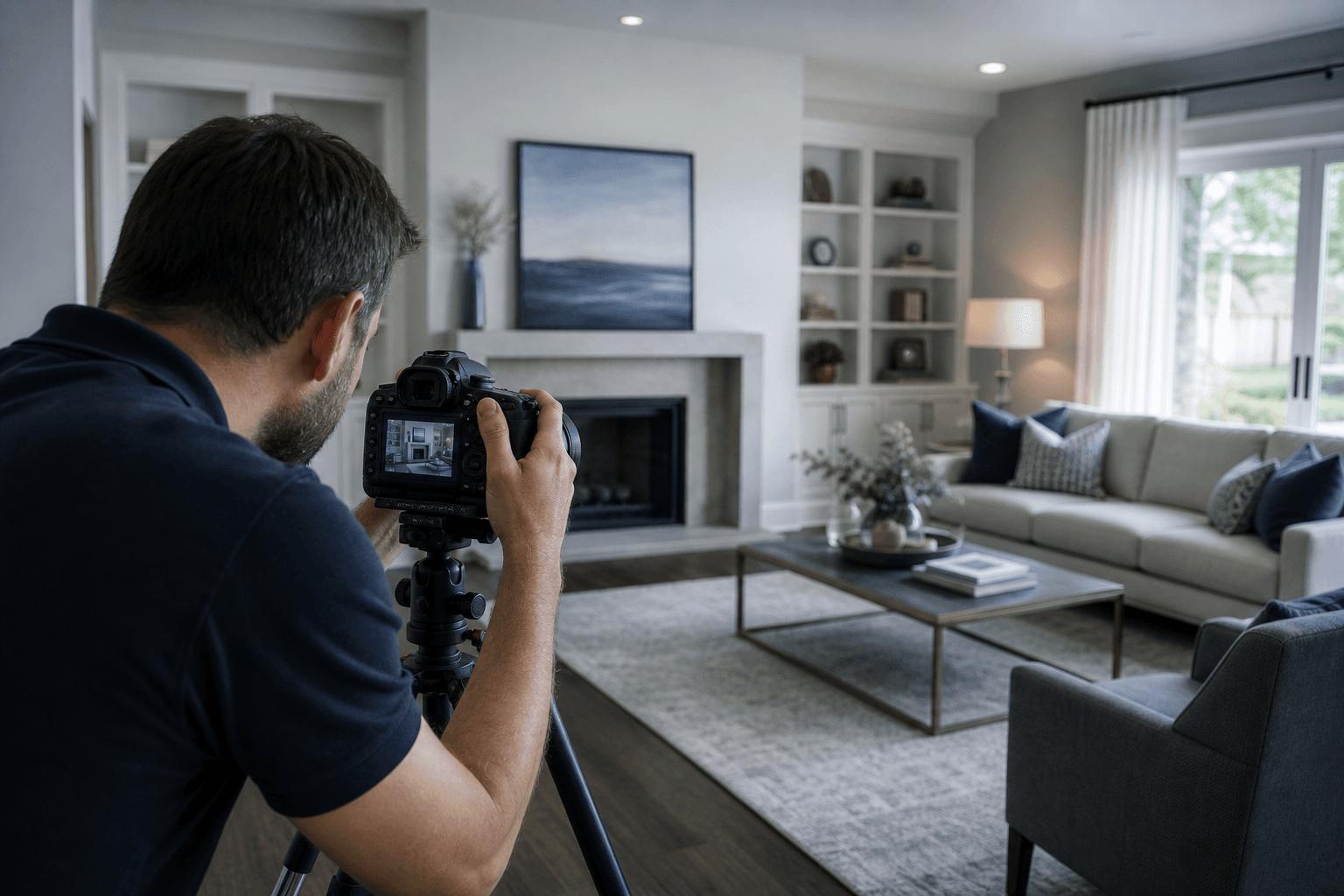
A fast browser-based workflow
Learn more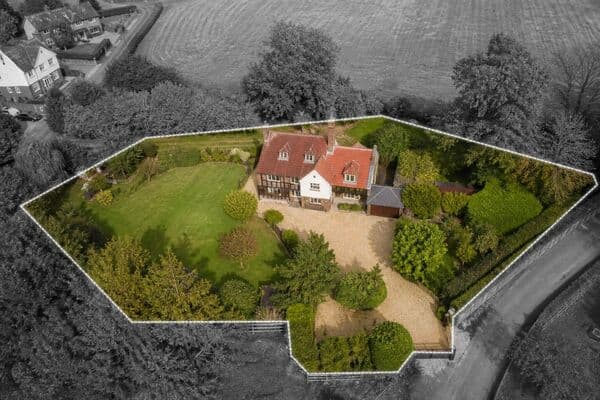
Highlight plots in aerial photos with Spotlight
Learn more
Consistent imagery across a scheme
Learn more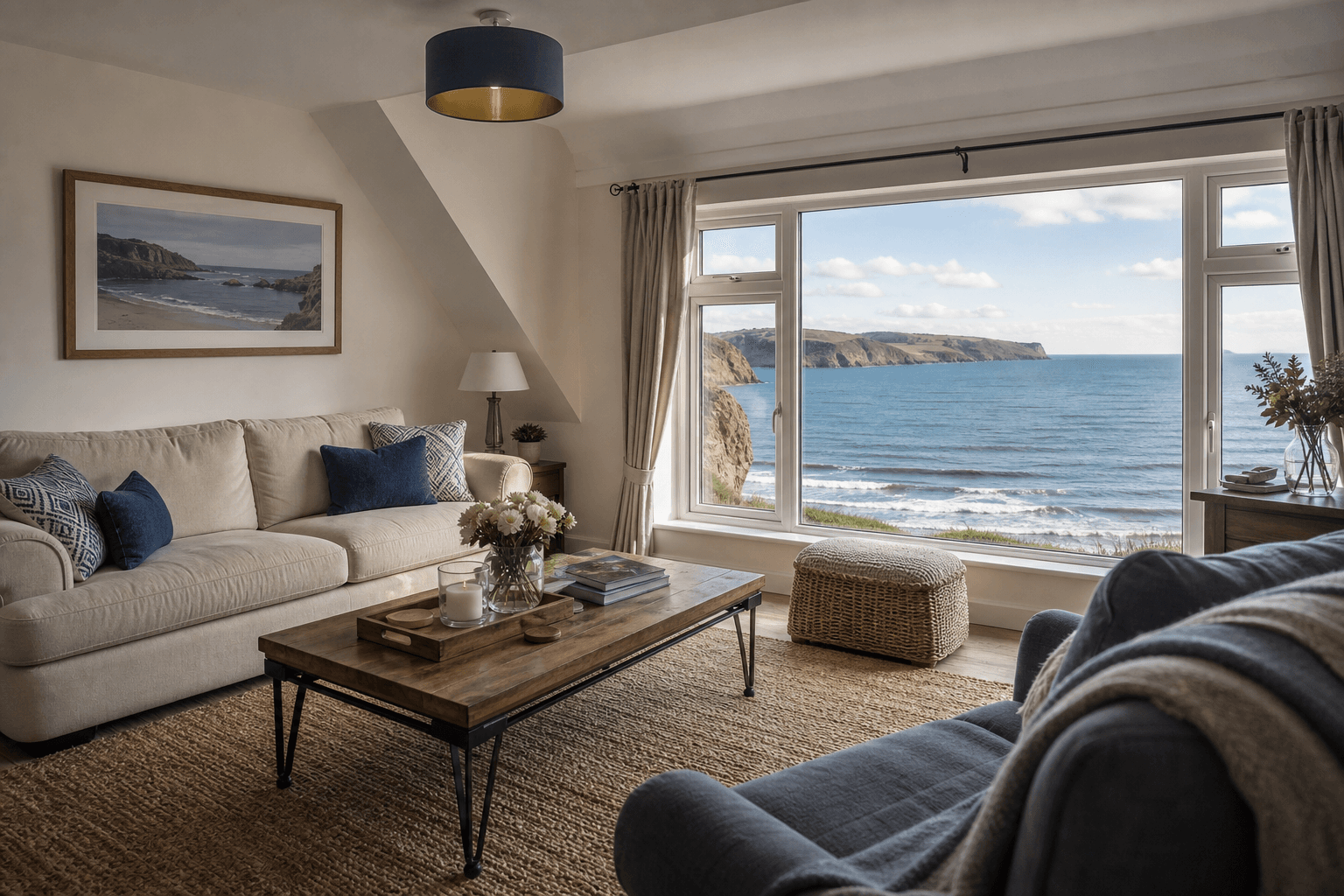
Brighter short-stay listing photos
Learn more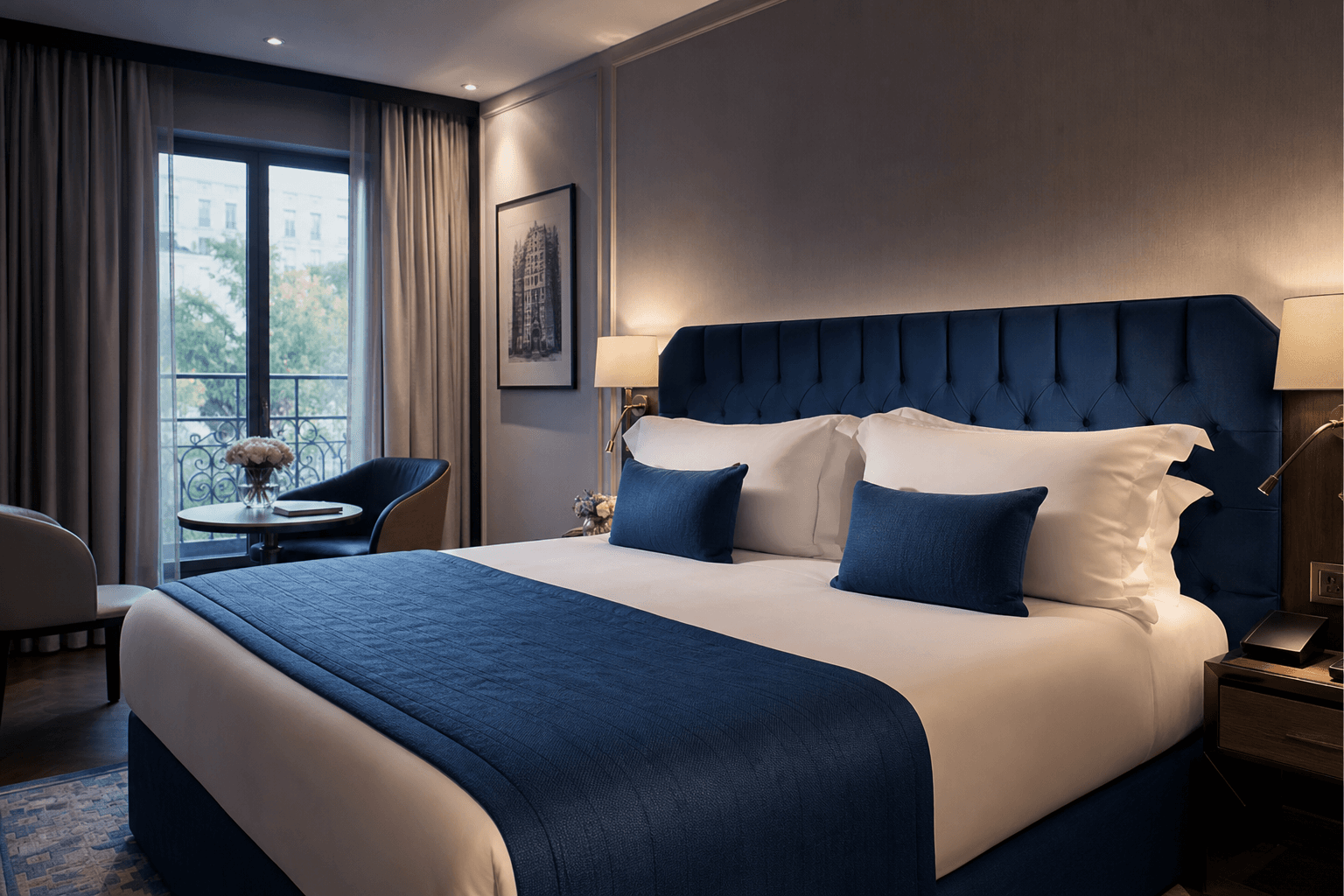
Polished imagery for every channel
Learn more
Clean, professional commercial photos
Learn moreWorks with ReHub
PhotoClear decluttering and sky tools are inside PhotoEdit and use ReHub credits. HDR Photo, staging, dusk and video stay in their own apps.

Declutter, tidy an exterior or replace a sky inside PhotoEdit. Optional tools use ReHub credits. Manual editing stays free.

Furnish empty rooms with realistic AI furniture before you market them.

Convert daytime exteriors into striking day-to-dusk twilight shots.

Animate still listing photos into cinematic property videos with AI.

Merge exposure brackets into a balanced JPEG. A separate app with 10 HDR Credits a month free. It does not use ReHub Credits.

Build immersive virtual tours for listings and developments.
Pricing
The editor is free with a PhotoEdit account. Optional PhotoClear tools and other ReHub AI apps use credits when you choose them.
Always free
Everything you need for quick, marketing-ready property edits. Free with a PhotoEdit account — no card required.
Optional, credit-powered
Add PhotoClear tools inside PhotoEdit when a photo needs more than a manual edit. Other ReHub apps cover staging, dusk and video. HDR Photo uses its own monthly HDR Credits.
FAQs
11 answers to the questions property professionals ask most.
Explore
Ask ChatGPT, Perplexity, Grok, Claude or Gemini about PhotoEdit Studio’s free editor, optional AI add-ons and whether it fits your listing workflow.
These buttons open third-party AI assistants. PhotoEdit Studio is not partnered with or endorsed by OpenAI, Perplexity, xAI, Anthropic or Google. Read the AI-readable overview.